Automate Your Busywork
in Plain English.
Describe your tasks. AI builds the workflow and runs it on schedule — emails, reports, scheduling, all on autopilot.




Your 40-Hour Week?
Only 9 Hours Are Real Work.
Most professionals spend the majority of their week on email, scheduling, and reports. Here's where your 40 hours actually go.

Stop Working Harder.
Start Working Smarter.
The average professional spends 40% of their week on tasks AI can handle in seconds. Reclaim those hours and redirect them toward strategy, creativity, and growth.
Describe What You Need.
AI Does the Rest.
Other tools hand you a blank canvas and say “figure it out.” AI 101 teaches you what to automate — then builds and runs it for you.
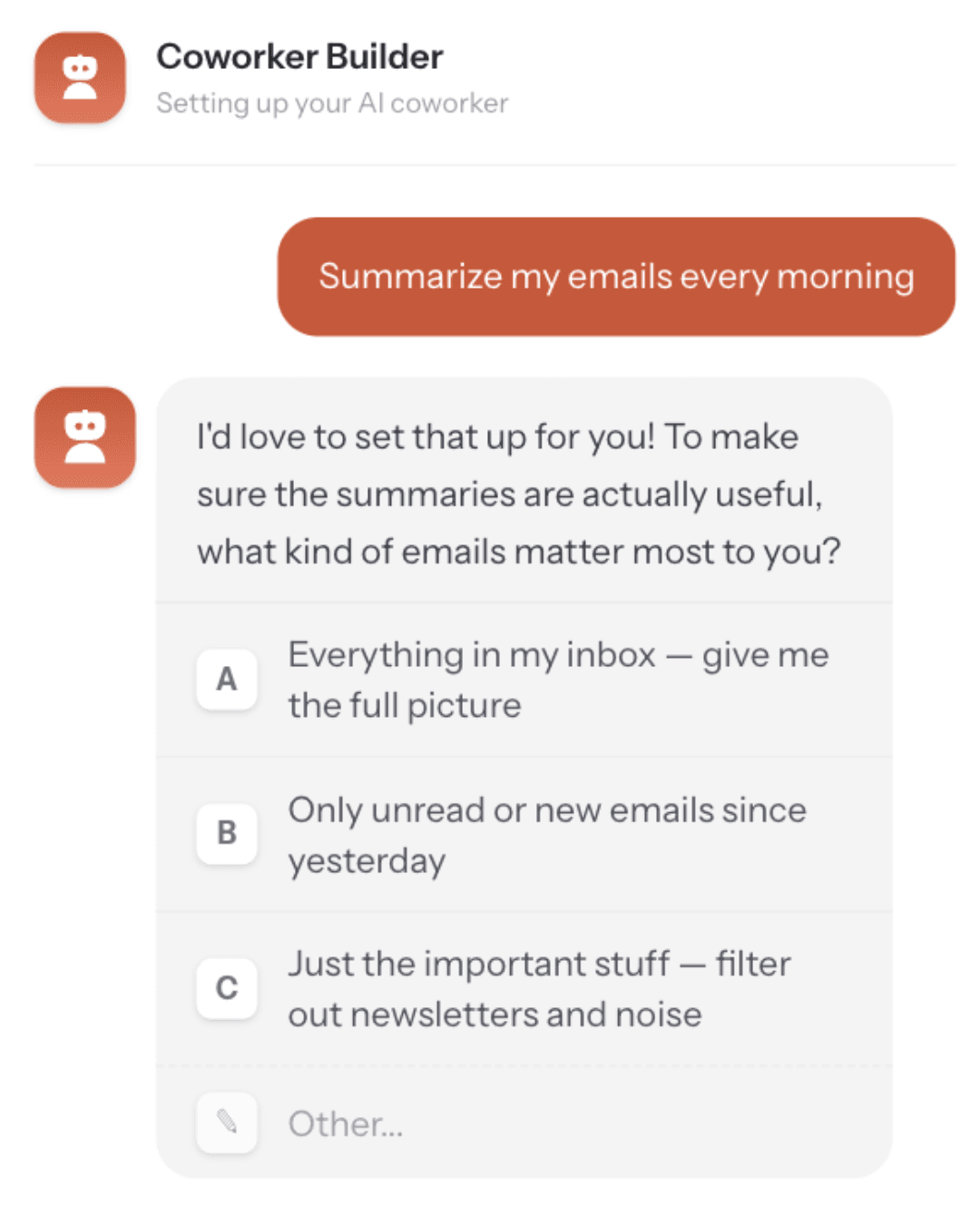
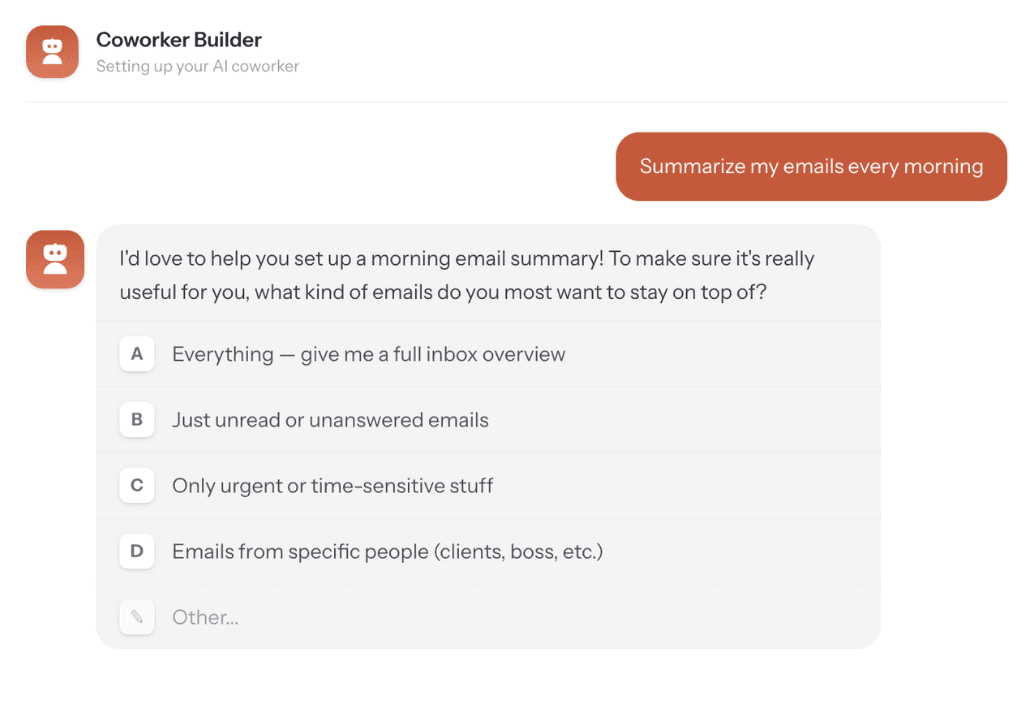
Describe
Tell your AI Coworker what you need the way you'd tell a colleague. "Every Monday morning, summarize my inbox, flag anything urgent, and draft my weekly status report."
Build
Your AI Coworker builds the entire workflow automatically. No drag-and-drop builders. No field mapping nightmares. No staring at 20 connected modules wondering what went wrong.
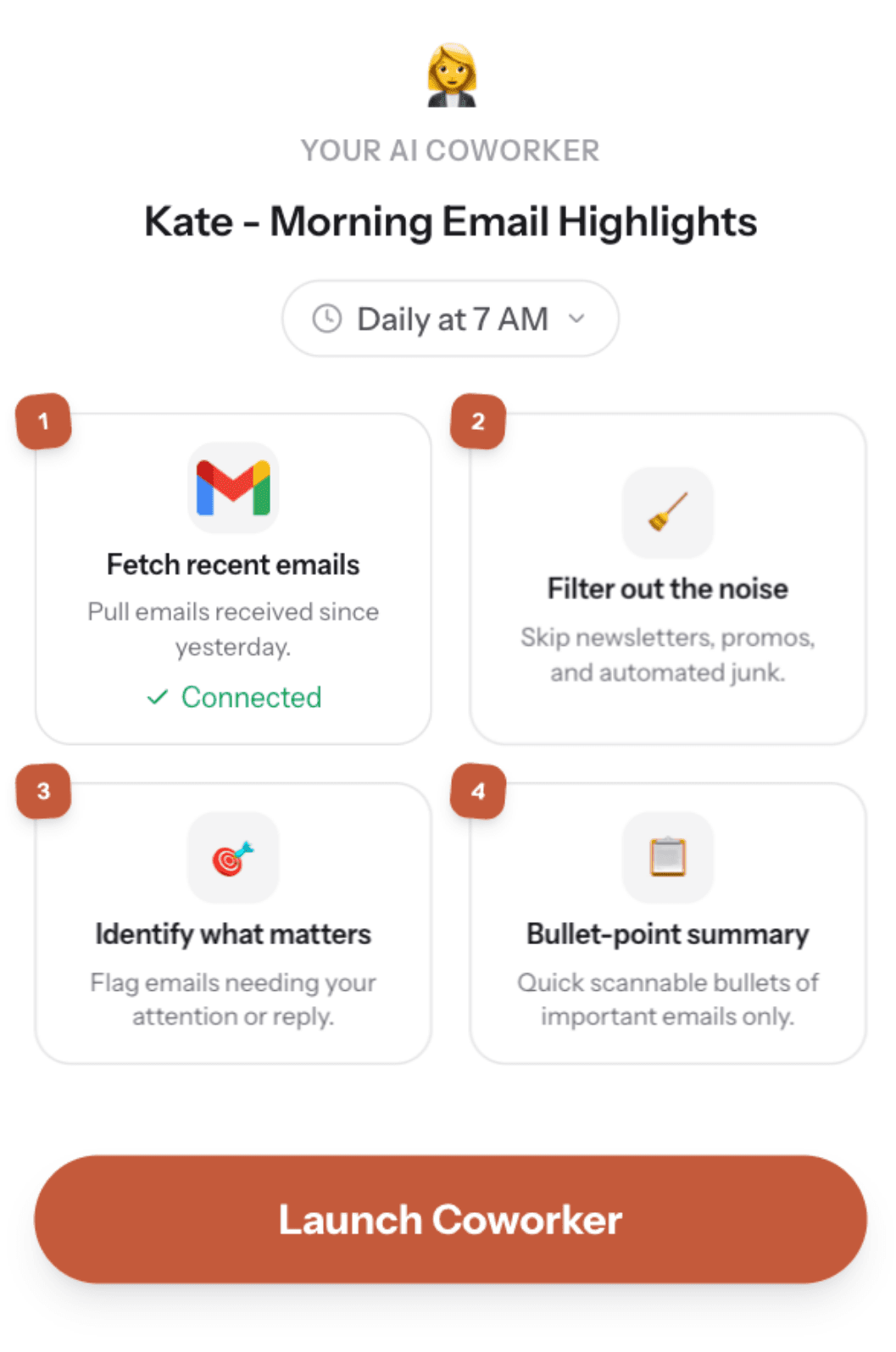
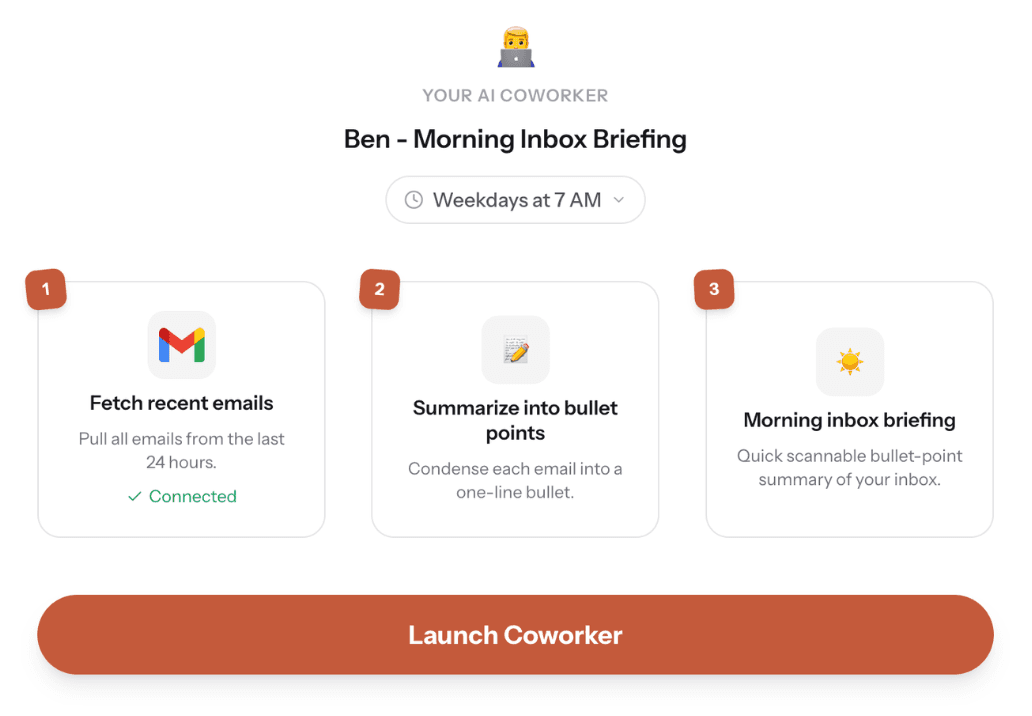
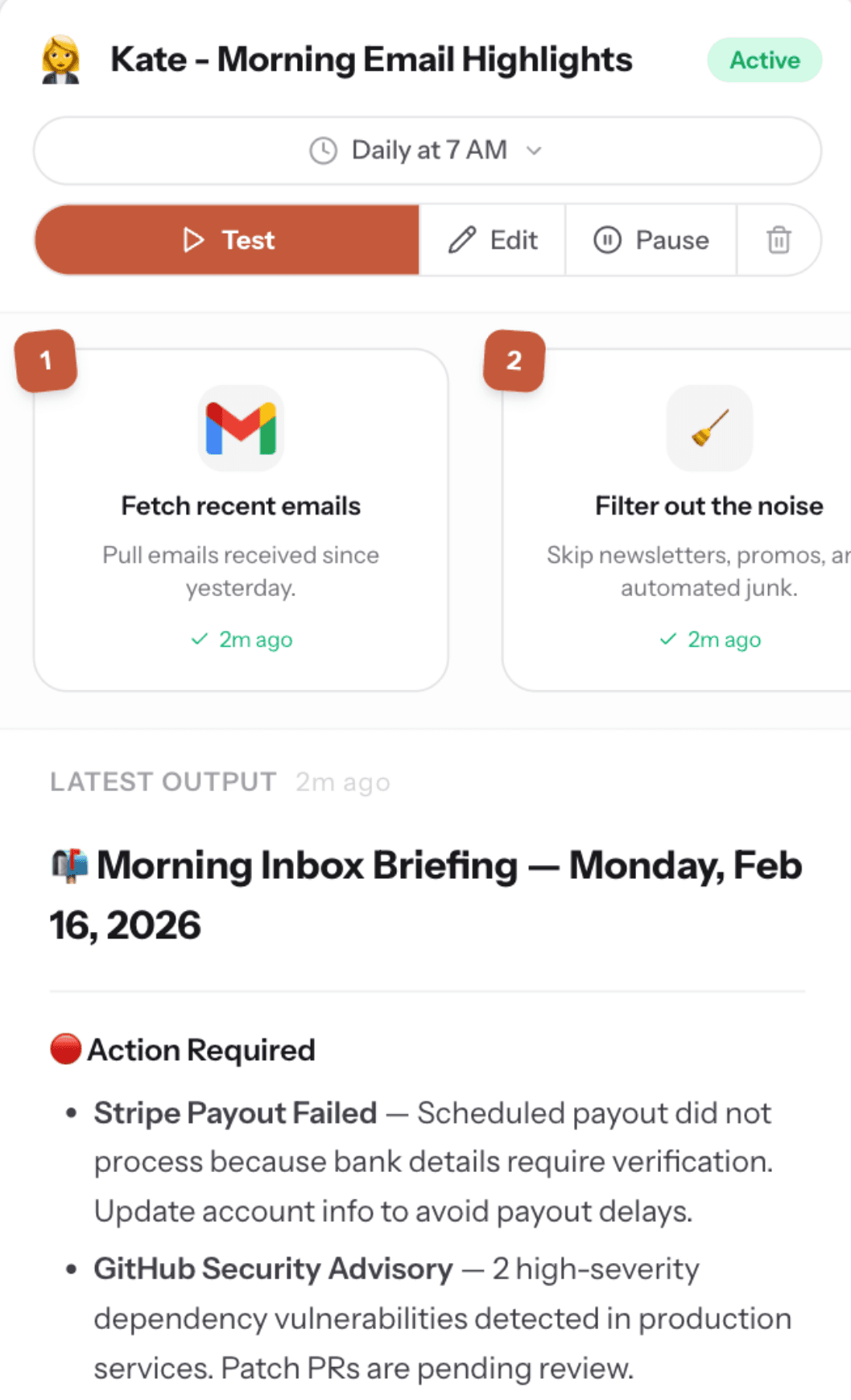
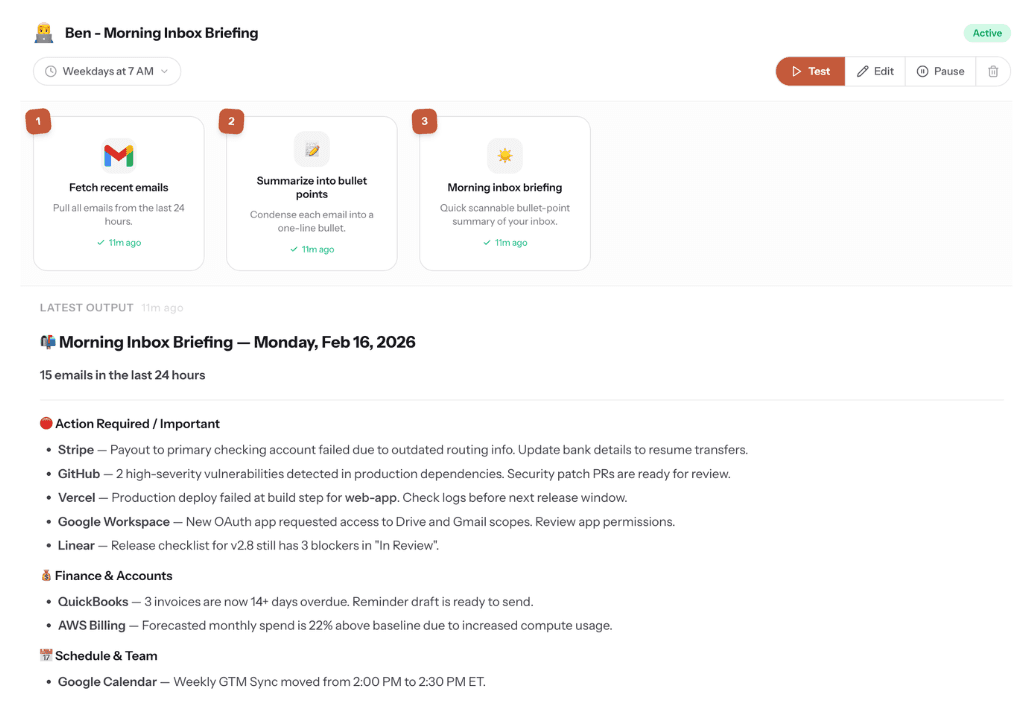
Run
It runs on your schedule — every morning, every Monday, every month-end. It remembers context from past runs and gets smarter over time. You approve what matters. Everything else just works.
Everything You Need to Work With AI.
The training to think differently, coworkers that handle the work, and every major AI tool — in one place.
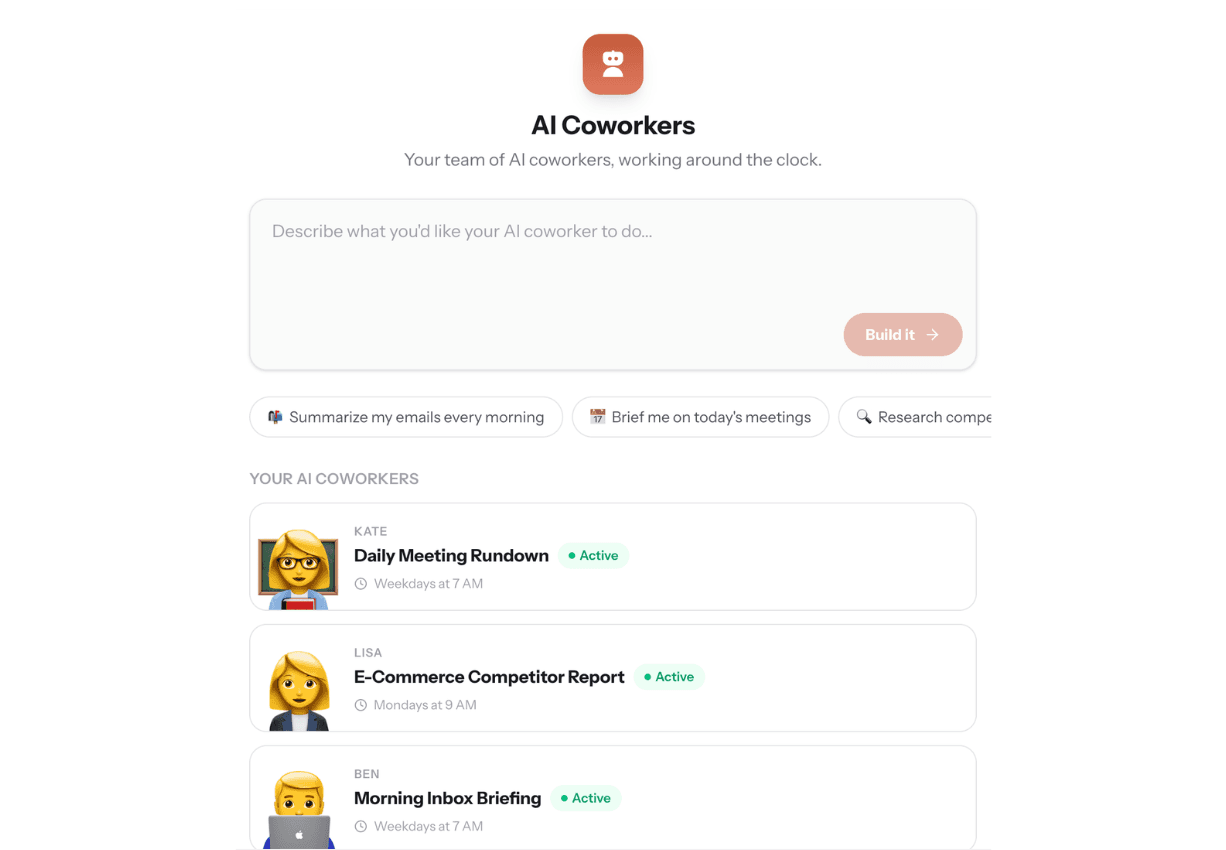

AI Coworkers That Run On Autopilot.
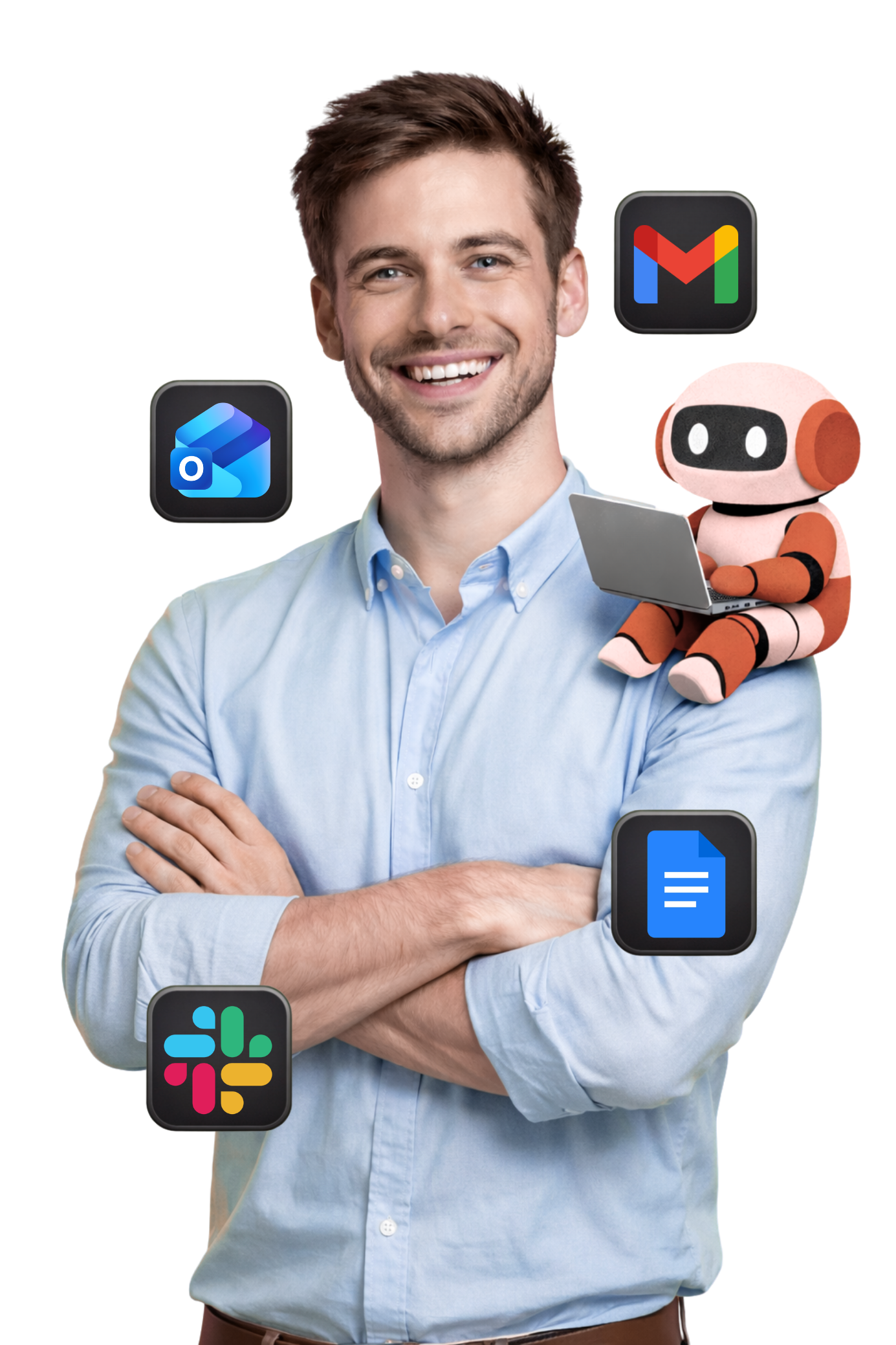
Describe what you need in plain English. They connect to Gmail, Calendar, Outlook, and Drive — and run on your schedule without being asked.

Learn Automation Before You Build.
6 free lessons that build the skill most people skip — knowing where AI actually saves you time before you build anything.
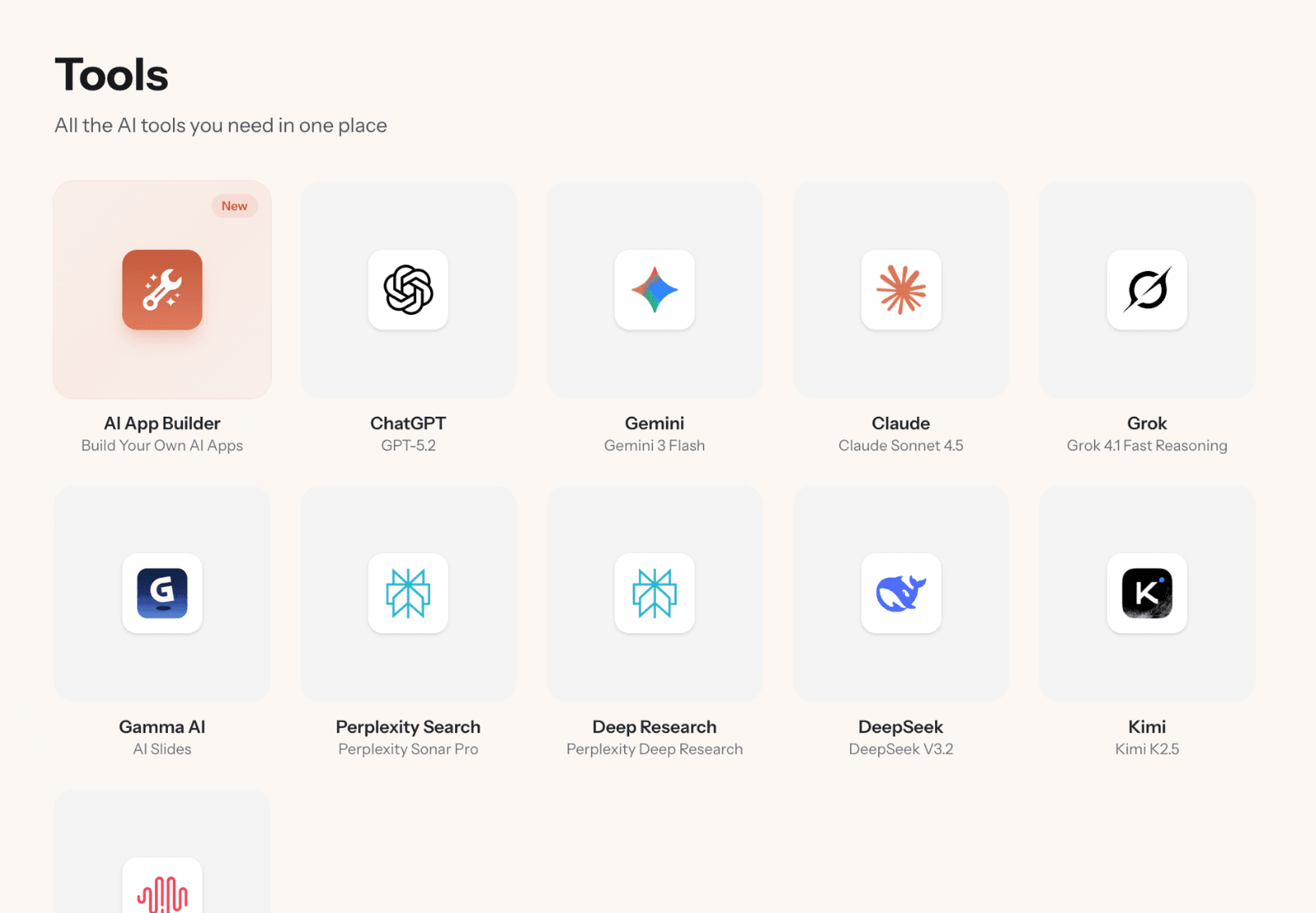
Every AI Tool. One Dashboard.
ChatGPT, Claude, Gemini, image generation, deep research — no more switching between tabs and subscriptions.
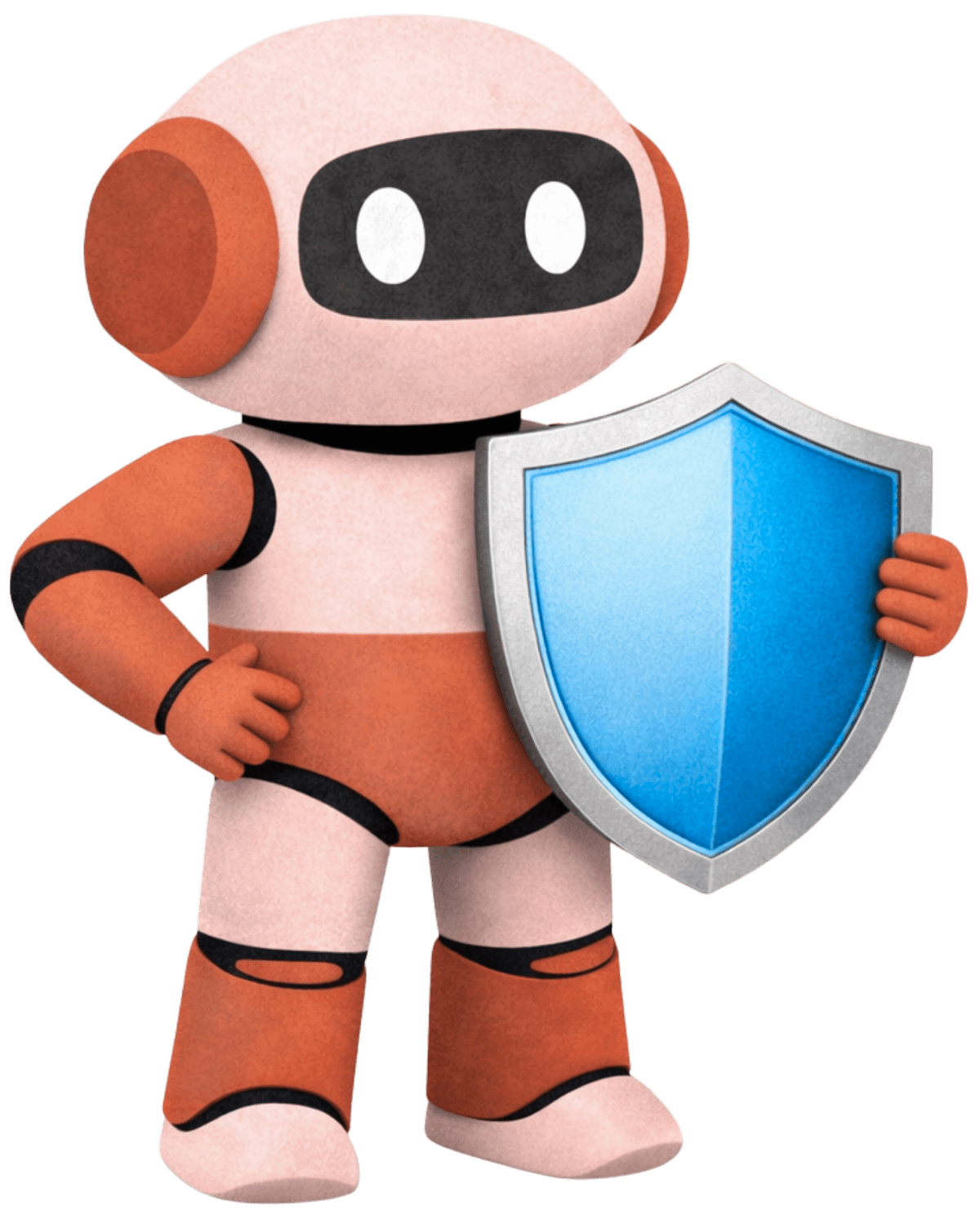
Your AI Works for You.
Nothing Leaves Without Your Say.
Every outbound action — emails, calendar invites, messages — can be reviewed and edited before it's sent. You stay in control.
Approve Before It Sends
Every outbound action pauses for your approval. Review, edit, or reject — before anyone sees it.
Professional Emails, Every Time
Clean formatting, appropriate tone, no robotic language. Your AI even matches the language of whoever it's replying to.
You Choose the Level of Autonomy
Some agents run fully autonomous. Others wait for your green light. You decide per agent — and can change it anytime.
You've Tried Other Tools.
Here's Why They Didn't Stick.
The tools you gave up on weren't built for you. This one is.
Real Professionals. Real Results.
Every one of these people thought they were “not technical enough.” They were wrong.

“I was working past 10 PM every night on follow-up emails and invoicing — running every part of my business alone. Within a week of setting up my first AI Coworker, client scheduling and weekly reports just happened. I got my evenings back.”

“I was spending 11 hours a week just triaging my inbox while my actual projects sat untouched. My boss saw me as the 'admin person.' Now my AI Coworker handles email summaries and meeting prep every morning before I even log in. My last performance review was the best I've ever had.”

“Every time AI came up in a meeting, I'd go quiet. I felt like everyone understood it except me. The course didn't talk down to me — it taught me to think about automation like delegating to a smart intern. Now I'm the one showing my team what's possible.”

“I was paying my admin assistant $4,200 a month to send appointment reminders and update spreadsheets. Now my AI Coworker handles those tasks every day, on schedule, for a fraction of the cost. My assistant focuses on client relationships instead.”

“Building a freelance practice while working full-time meant I had maybe 2 hours a night for client work — and half went to invoices and scheduling. Now the operational side runs on autopilot. I doubled my client load without burning out.”

“My CEO asked 'what's our AI strategy?' and I had nothing. I rolled out the course to my team on Monday — by Friday, three people had AI Coworkers handling their weekly reporting. First time a new tool actually stuck.”
Every Concern, Addressed Honestly.
The questions we hear most — with straight answers.
That's exactly who it's for. AI 101 was built for non-technical professionals — no coding, no workflow builders, no jargon. If you can describe what you need in an email, you can use AI 101. The course teaches you to delegate to AI using management skills you already have, not technical skills you don't.
Most AI tools give you a blank text box and hope you figure it out. Most automation platforms give you complex workflow builders designed for developers. AI 101 combines three things nobody else does: a free course that teaches you what to automate, AI Coworkers that build automations from plain English, and every major AI model in one dashboard — all connected to the Google apps you actually use every day.
This is the #1 concern we address — and the course dedicates an entire lesson to it. Your AI Coworkers run with human-in-the-loop controls: they draft, you approve. Nothing goes out without you seeing it first. You're always in control of what AI can and can't access.
Your AI Coworker drafts. You approve. Nothing goes out without you seeing it first. It also remembers what you corrected, so it gets better over time. Think of it as training a new hire — except this one doesn't forget and doesn't call in sick.
51% of professionals worry about this — you're not alone. But here's the reality: AI replaces tasks, not jobs. The professionals who learn to use AI become more valuable, not less — they're the ones leading adoption on their teams and producing twice the output. AI 101 positions you as the person who understands AI, not the person being replaced by it.
Most people build their first AI Coworker within 10 minutes of signing up. The course is designed for busy schedules — 15-20 minutes per lesson. By the end of your first week, you'll have real automations running on schedule. Users consistently report saving 5-10 hours in their first month.
The Automation Essentials course is completely free. The full platform — AI Coworkers, every AI model, automation tools — is $29.99/month flat. No credits, no per-task billing, no surprise overages. And you're protected by a 30-day money-back guarantee: if you don't save at least 5 hours in your first month, we'll refund you in full.
Your Competitors Are Already Using AI.
Are You?
Learn the skills, get the tools, and start automating — all in one place. No coding required.